An assistant is more useful when it can retrieve a filing than when it has to guess what the filing said. Mountainhead’s MCP server gives Claude Code, Cursor and other compatible clients tools for public-record research, from congressional disclosures to SEC filings.
Setup takes one command or one config entry. The rest of this guide is about getting answers you can check.
Connect with browser sign-in
Every client starts from the canonical server URL:
https://www.mountainhead.ai/api/mcp Use the www host exactly. It avoids the domain redirect on the MCP handshake. Mountainhead supports OAuth discovery, dynamic client registration and a browser authorization flow, so none of these setups require you to paste an API key.
Using the Claude app on the web, desktop or mobile? It does not need a command or a config file. Follow How to connect Mountainhead to Claude in four steps instead.
With Claude Code installed, run this in your terminal:
claude mcp add --transport http mountainhead https://www.mountainhead.ai/api/mcpOpen Claude Code’s /mcp menu and authenticate Mountainhead when prompted. Complete the browser sign-in, return to the client and verify that the server’s tools are available. A “needs authentication” message before that step is expected, not proof that the endpoint is broken.
For Cursor, add this entry to ~/.cursor/mcp.json, or use the one-click install in the setup guide. Merge it into an existing mcpServers object if you already have other servers:
{
  "mcpServers": {
    "mountainhead": {
      "url": "https://www.mountainhead.ai/api/mcp"
    }
  }
}
Then use the client’s connection controls to authorize the server. Keep machine-specific configuration out of shared repositories when it includes private credentials.
The full setup guide covers each supported client, API-key alternatives and troubleshooting. Client keys differ: a configuration field that works in Cursor is not necessarily the right field in another application.
Start with one bounded research question
A broad instruction such as “Find winning stocks” invites an answer the data cannot substantiate. Start with a narrow retrieval task instead:
Use Mountainhead to find recently disclosed congressional transactions for a company I name. Preserve the transaction date, filing date, disclosed amount range and owner attribution. Link the source and flag any missing fields. Do not describe a filing-date event as a trade made that day.
Then ask for a focused follow-up:
Use Mountainhead to check recent SEC filings and insider transactions for the same company. Separate reported facts from interpretation. Explain whether the records cover comparable periods before describing a pattern, and link each source.
These are example prompts, not a claim that every company or period is covered. A good answer may say that no matching record was found or that the source cannot resolve the question.
Pick tools that match the evidence
Mountainhead’s tool catalog includes a daily brief, ranked signals, company research and disclosure-specific tools. Match the tool to the document rather than assuming one feed represents everything.
Scroll to see all columns
| Research task | Relevant tool | What to preserve |
|---|---|---|
| Orient to recent public disclosures | get_daily_brief |
The observation window and original sources |
| Find congressional transactions | list_congress_trades |
Filing date, transaction date and amount range |
| Check executive-branch activity | list_official_activity |
Country, branch and transaction versus holding |
| Inspect corporate insider entries | list_insider_trades |
Transaction codes, ownership and footnotes |
| Find company source documents | list_sec_filings, read_sec_filing |
Filing type, period and document URL |
Tool schemas and account limits are authoritative. Check the current guide rather than hardcoding a tool count or a pricing allowance into an integration.
Make citations part of the answer format
A research workflow with a checkable endpoint
- RetrieveAsk a narrow question and call the relevant disclosure tool.
- ReconcileKeep filing dates, reporting periods, ranges and amendments distinct.
- VerifyOpen the primary source before relying on a material conclusion.
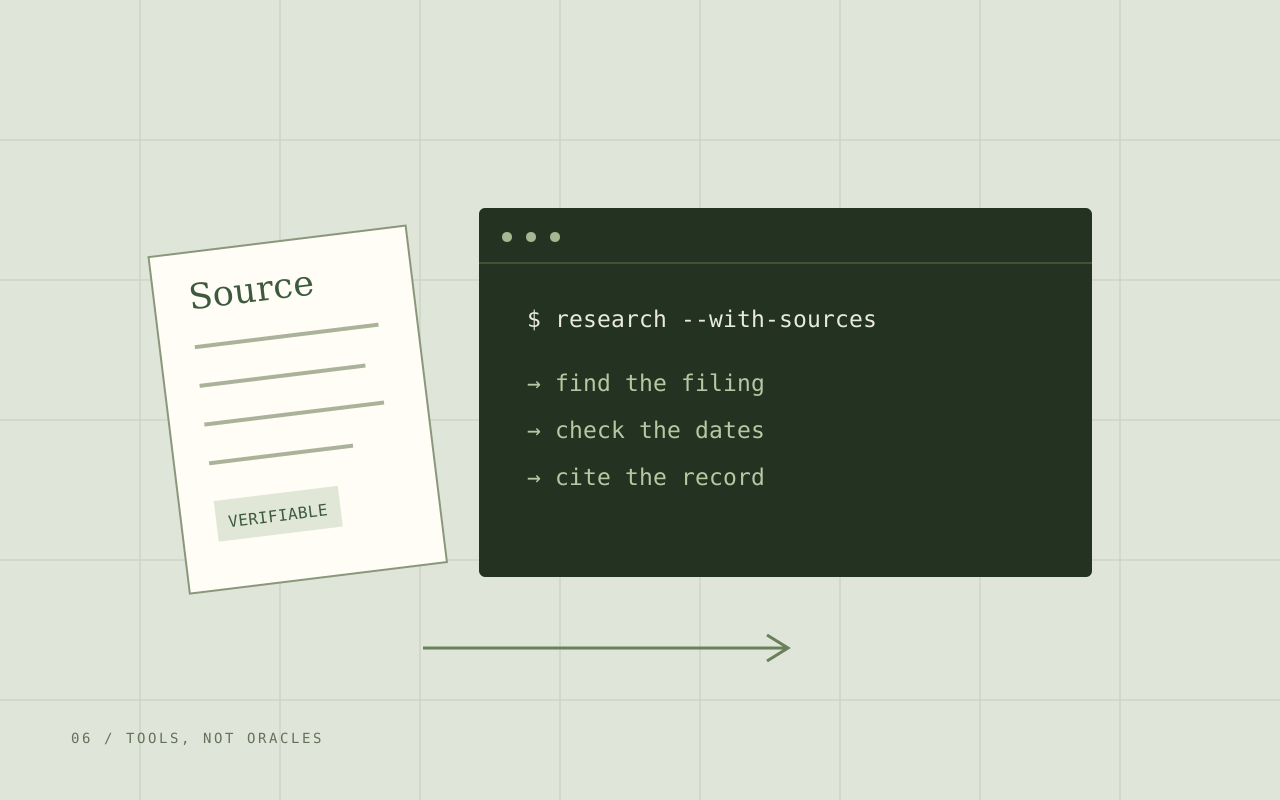
Ask the assistant to return a compact table with a claim, source URL, relevant date and limitation. That makes unsupported leaps easier to spot. If the tool returns no source or an ambiguous amount, the assistant should say so rather than fill the gap.
The interpretation rules differ by dataset. Read congressional disclosures as delayed, range-valued reports; Form 4 as coded ownership changes; and 13F as quarter-end reportable holdings.
Respect the public data boundary
The public tools are governed by Mountainhead’s data policy. Movement events are sanitized and subject to applicable delays and suppression. Public tools do not expose raw position tracks, private owner details or unresolved destination predictions.
An assistant should not treat a missing field as an invitation to infer it. The same principle applies to finance: a disclosed trade does not reveal the trader’s motivation, and a quarterly holding does not reveal a live portfolio.
Why the protocol matters
In the original November 2024 announcement, Anthropic’s Alex Albert described MCP as a way to connect LLM applications to data without building a different integration for every source. That is the useful distinction here: the protocol supplies a connection, while the underlying tool supplies the record.
From the source X
Introducing the Model Context Protocol (MCP) An open standard we've been working on at Anthropic that solves a core challenge with LLM apps - connecting them to your data.
· Quoted excerpt Read the original post
Loads X content on request. The quotation above is available without it.
This is historical context, not an endorsement of Mountainhead. The original announcement described the protocol’s launch; the setup steps above reflect Mountainhead’s current remote HTTP connection.
Where this integration helps
Mountainhead is our product, and the connection described here uses its own tools. It can make repeated source retrieval and cross-document organization easier inside a research environment you already use.
It cannot guarantee complete source coverage or a correct investment conclusion. Start with one question, inspect the tool result, and verify the source. Once that works, expand the workflow with the client guide and API reference.
Questions worth asking
Do I need a Mountainhead API key to use MCP?
Not with an OAuth-capable client using Mountainhead's browser sign-in flow. Add the canonical server URL and authenticate when prompted. API-key setup remains available for clients or environments that need a bearer key; the client-specific guide shows the correct format.
Is the Claude app setup the same as Claude Code?
No. The Claude app on the web, desktop and mobile adds Mountainhead as a custom connector under Customize > Connectors, with no command or config file. Claude Code uses the claude mcp add command in a terminal. Both sign in through the browser.
Can an MCP answer replace reading the original filing?
No. An assistant can organize tool output and suggest follow-up questions, but it can still misunderstand dates, ranges, amendments or missing data. Require source URLs and verify material claims against the original record.
Go to the source
- Anthropic: Connect Claude Code to tools via MCP
- Anthropic: Get started with custom connectors using remote MCP
- Model Context Protocol: Introduction and architecture
- Alex Albert: Original MCP announcement on X, November 25, 2024
- Anthropic: Introducing the Model Context Protocol
- Mountainhead: Client-specific MCP connection guide and tool catalog
- Mountainhead: Public API reference
This guide is research and education, not investment advice. Public records can arrive late, contain errors, or be amended. They do not establish intent or predict returns. Check the original filing and its date before relying on it.